How do I upload the payment receipt for the activation code?
Gifty6809
30 Dec, 2024
To get notifications when anyone posts a new answer to this question
Answers (1)
Post your comment

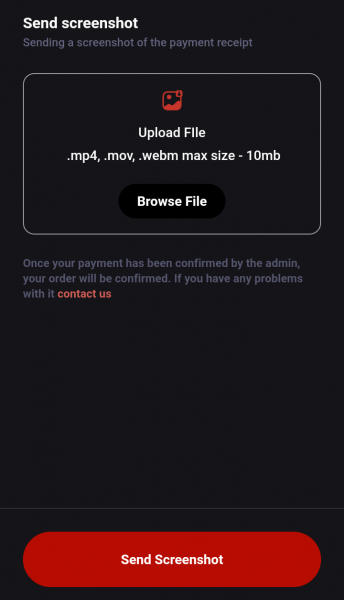
HOW TO UPLOAD MY PAYMENT RECEIPT ON MYSCHOOL APP.
1. Click on the cart (🛒) icon at the home page.
2. Click on “Proceed.”
3. Select the payment method you used when making payment and then click on “Complete Checkout.”
4. Tick the “I have read the instructions and I fully understand the process of payment” box.
5. Click the "Get Account Information" icon that is underneath the ticked box.
6. Click on “Confirm Payment.”
Then a page which contains where you can upload the screenshot will be brought to you. Remember to let your payment receipt includes your order code, myschool bank account where the payment was made, date, and the name on the sender's account. Best of Luck.